People and roles
Updated
On this page
Open Site settings → Sharing and access and add someone by email. They need an account on your installation first. Administrators create accounts under Account settings → Users.
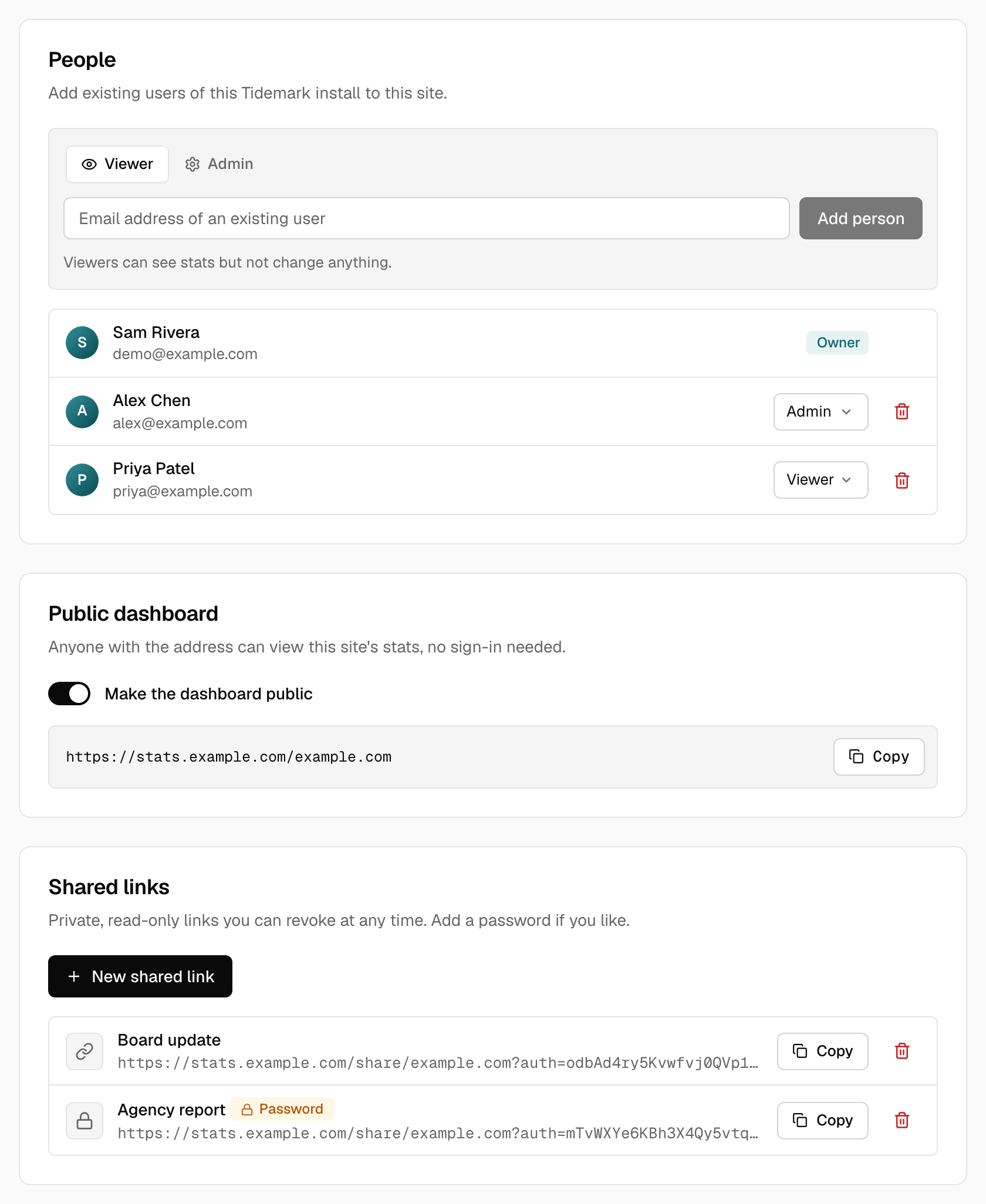
| Role | Can do |
|---|---|
| Owner | Everything, including deleting the site. One per site, and it can't be changed or removed. |
| Admin | View stats, change settings, goals, shields, shared links and people |
| Viewer | View stats only |
Roles are per site. Someone can be a viewer on one site and an admin on another.
Installation administrators
An administrator manages users and installs updates. That is separate from site roles.
Registration
Self-hosted installations keep registration closed. Set TIDEMARK_REGISTRATION=true to allow sign-ups. See Configuration.
Was this helpful?
Ready to try Tidemark?
Free plan, no credit card. No cookies, no footprints.