Funnels
Updated
A funnel follows visitors through a series of goals, in order, and shows how many make it from one step to the next. Use one to see where people drop off between, say, your pricing page, signing up and paying.
On Tidemark Cloud, funnels come with the Pro plan. Self-hosted installs have them without limits.
Start with goals
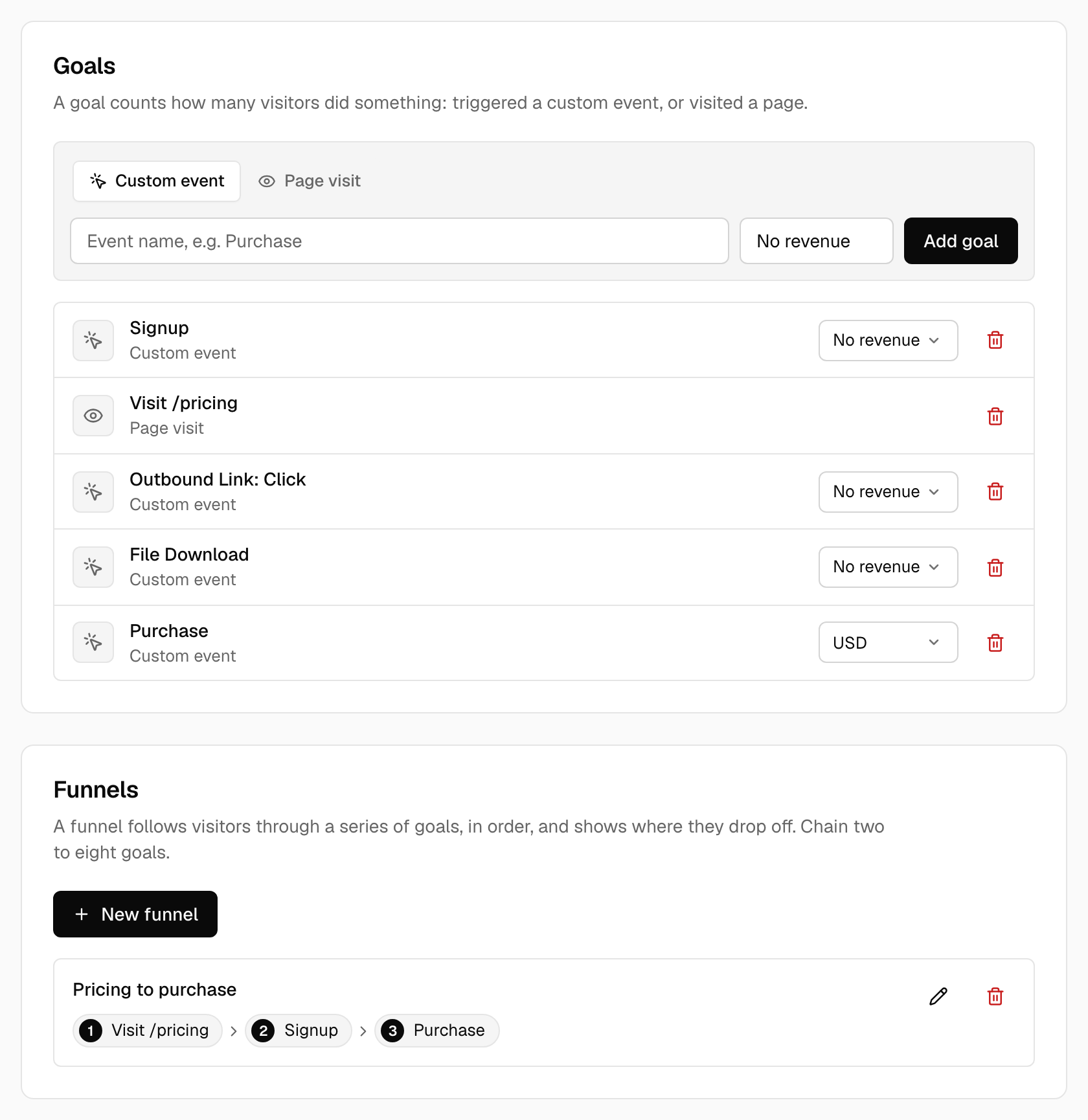
Every step of a funnel is a goal. Add the goals you need first under Site settings → Conversions: a page goal such as /pricing, or a custom event such as Signup. See Goals for how to add them and how to record events.
Create a funnel
- Open Site settings → Conversions and click New funnel.
- Give it a name, then choose a goal for each step. A funnel has two to eight steps. Use Add step and Remove to change how many.
- Click Save funnel. You can edit or delete it from the same page later.
A goal that is part of a funnel can't be deleted until you take it out of the funnel.
Read the funnel
On the dashboard, open Behaviors → Funnels. If you have several funnels, pick one from the list above the chart.
- Each column is a step. It shows the percentage of visitors from the first step who reached it, and how many visitors that is.
- The badge on the bar shows how many of the visitors from the step before made it to this one, and how many dropped off.
- The conversion rate at the top is the share of visitors who started the funnel and finished it.
How steps are counted
A visitor completes a step when its goal happens after the goal of the step before. Every step is required and other activity in between is fine, so a visitor can browse other pages between the steps. Order matters: someone who signs up and then visits the pricing page has not completed a pricing-then-signup funnel.
Visitors are counted the way they are everywhere else in Tidemark: the anonymous visitor id changes every day, so a visitor who starts a funnel one day and finishes it the next is not followed across the two.
Filters and periods
The funnel follows the period you picked. Filters that describe the visit, such as country, source or device, narrow who is counted. Filters on pages, goals and properties don't apply to funnels. Data imported from Plausible isn't included, because the export has no step-by-step detail.
Was this helpful?
Ready to try Tidemark?
Free plan, no credit card. No cookies, no footprints.